
UK Household Budget Spreadsheet 2026-27 with Energy Price Cap Tracker, Meter Log and Bill Estimator, Excel & Google Sheets
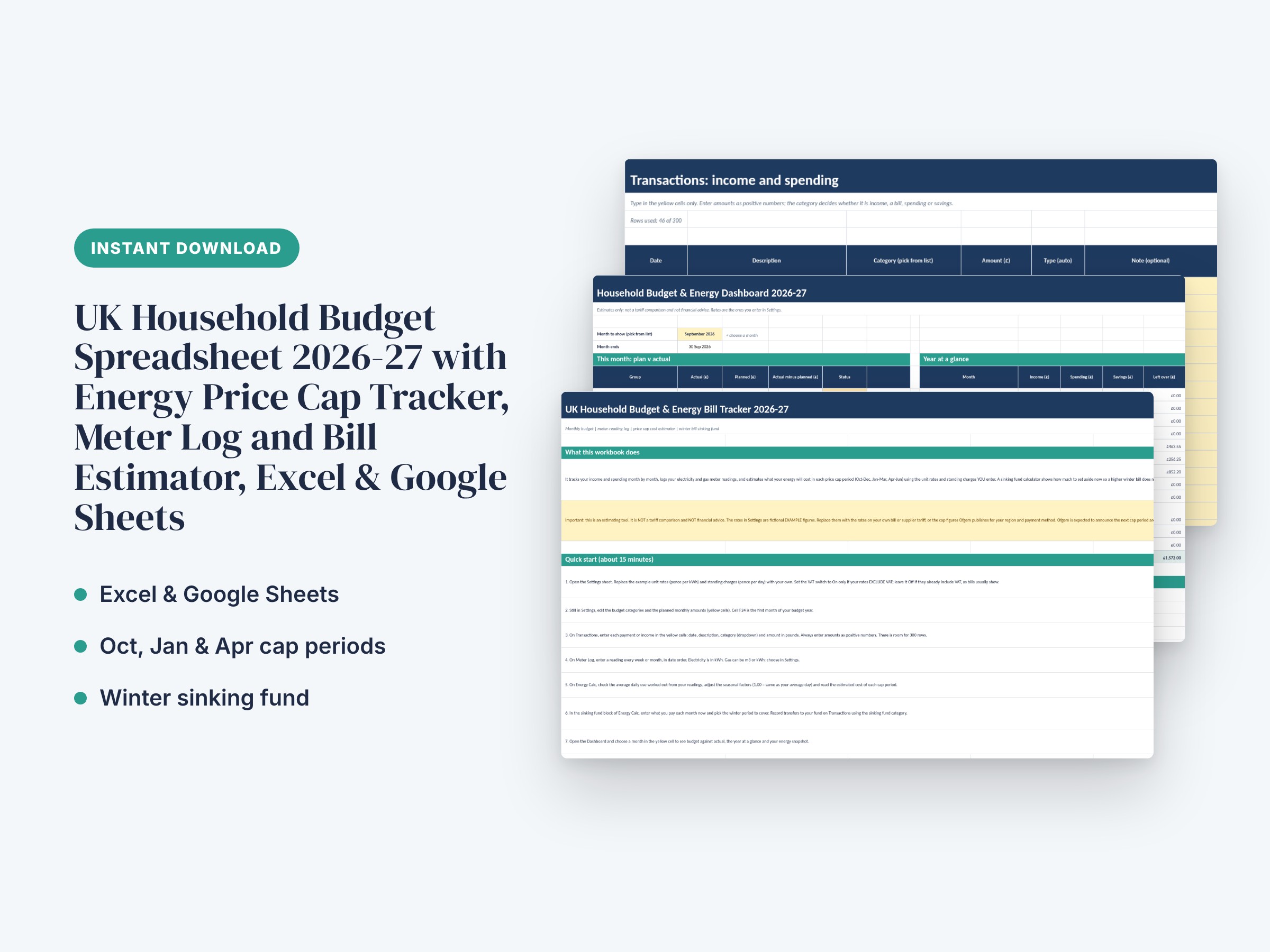
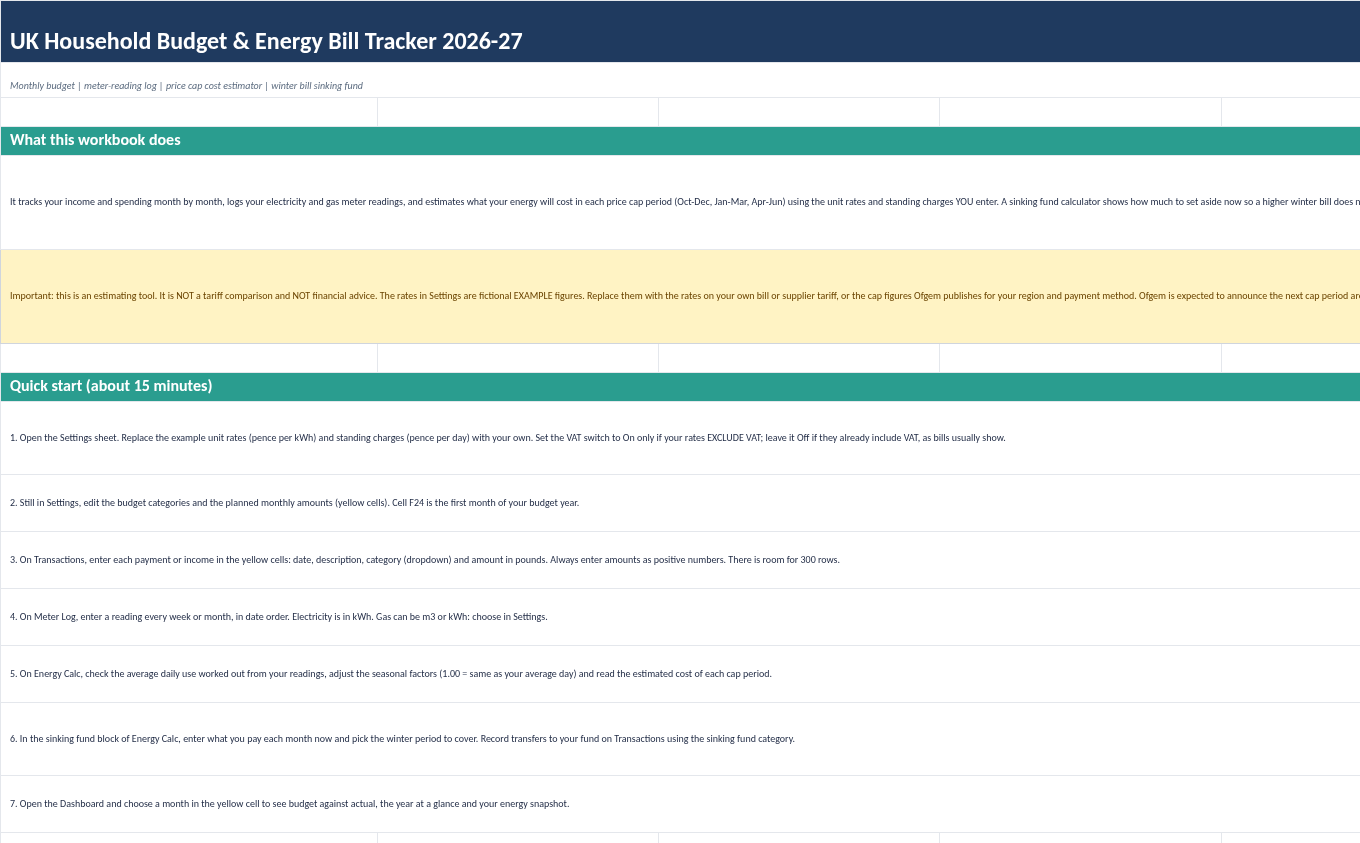
A complete household budget and energy bill system for UK homes, built as one working spreadsheet. Track income and spending month by month, log your electricity and gas meter readings, and estimate what your energy will cost in each price cap period (Oct-Dec, Jan-Mar and Apr-Jun) using the unit rates and standing charges you enter. A sinking fund calculator shows how much to set aside now so a higher winter bill does not wreck your budget. It is made for one household, one person or a couple, and is meant to be used every week.
Important: this sheet ESTIMATES costs from your own readings and your own rates. It is not a tariff comparison, it does not tell you which supplier to choose, and it is not financial advice. The rates supplied in the file are fictional example figures: replace them with the rates on your own bill or the cap figures Ofgem publishes for your region and payment method. When Ofgem announces new cap figures, you simply type the new rates into the Settings sheet and every estimate updates. The workbook keeps records and summaries only.
What's included:
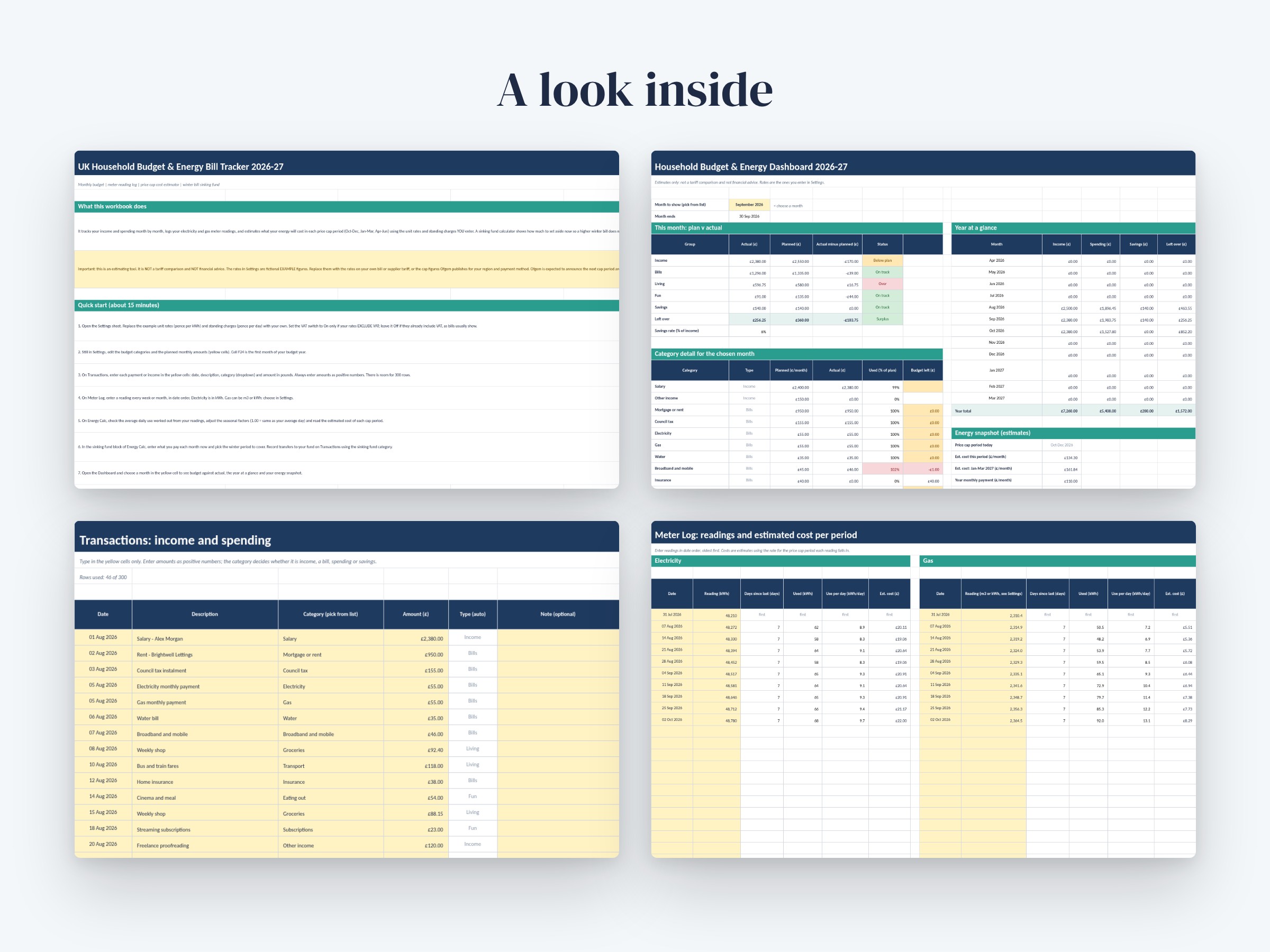
- 6 sheets in one .xlsx workbook: Start Here, Dashboard, Transactions, Meter Log, Energy Calc and Settings
- Dashboard: pick any month from a dropdown to see income, bills, living costs, fun and savings against your plan, with Over/On track status colours and data bars
- Category table with 20 budget lines showing planned, actual, percentage used and budget left (amber near the limit, red when over)
- Year-at-a-glance table for all 12 months of the budget year with totals and colour scales
- Transactions sheet: 300 input rows with date, description, category dropdown and amount, plus automatic type lookup and a warning if a category is not recognised
- Meter Log: 60 rows each for electricity (kWh) and gas (m3 or kWh), with days between readings, units used, use per day and an estimated cost for each reading period
- Energy Calc: average daily use worked out from your readings (with optional manual override), seasonal factors, and an estimated cost for five price cap periods including Oct, Jan and Apr, with monthly averages and the change from the previous period
- Electricity and gas VAT on/off switches with an editable VAT rate, and a gas m3 to kWh converter using an editable calorific value
- Winter bill sinking fund: choose the period to cover, set a safety buffer, and see the target, amount saved, months left and the monthly amount to set aside, with a progress bar
- Settings sheet for rates, budgets, categories and dropdown lists
- Realistic fictional sample data (the Morgan household) so you can see it working, with instructions for clearing it
- No macros and no add-ins; works in Excel 2016 or later and in Google Sheets via File > Import
How to use:
1. Download the file in your browser (not from inside an email preview) and open it in Excel, or in Google Sheets with File > Import > Upload > Replace spreadsheet.
2. Read the Start Here sheet, then open Settings and replace the example unit rates and standing charges with your own. Choose VAT On only if your rates exclude VAT.
3. Edit your budget categories and planned monthly amounts in Settings (yellow cells).
4. Enter income and spending on the Transactions sheet and meter readings on the Meter Log in date order.
5. Check the Energy Calc sheet for your estimated cost in each price cap period and set up your winter sinking fund.
6. Choose a month on the Dashboard to see how you are doing. Delete the sample data when you are ready to start with your own.
Designed with the help of AI tools and reviewed for quality. Digital download: no physical item will be shipped.
You might also like.