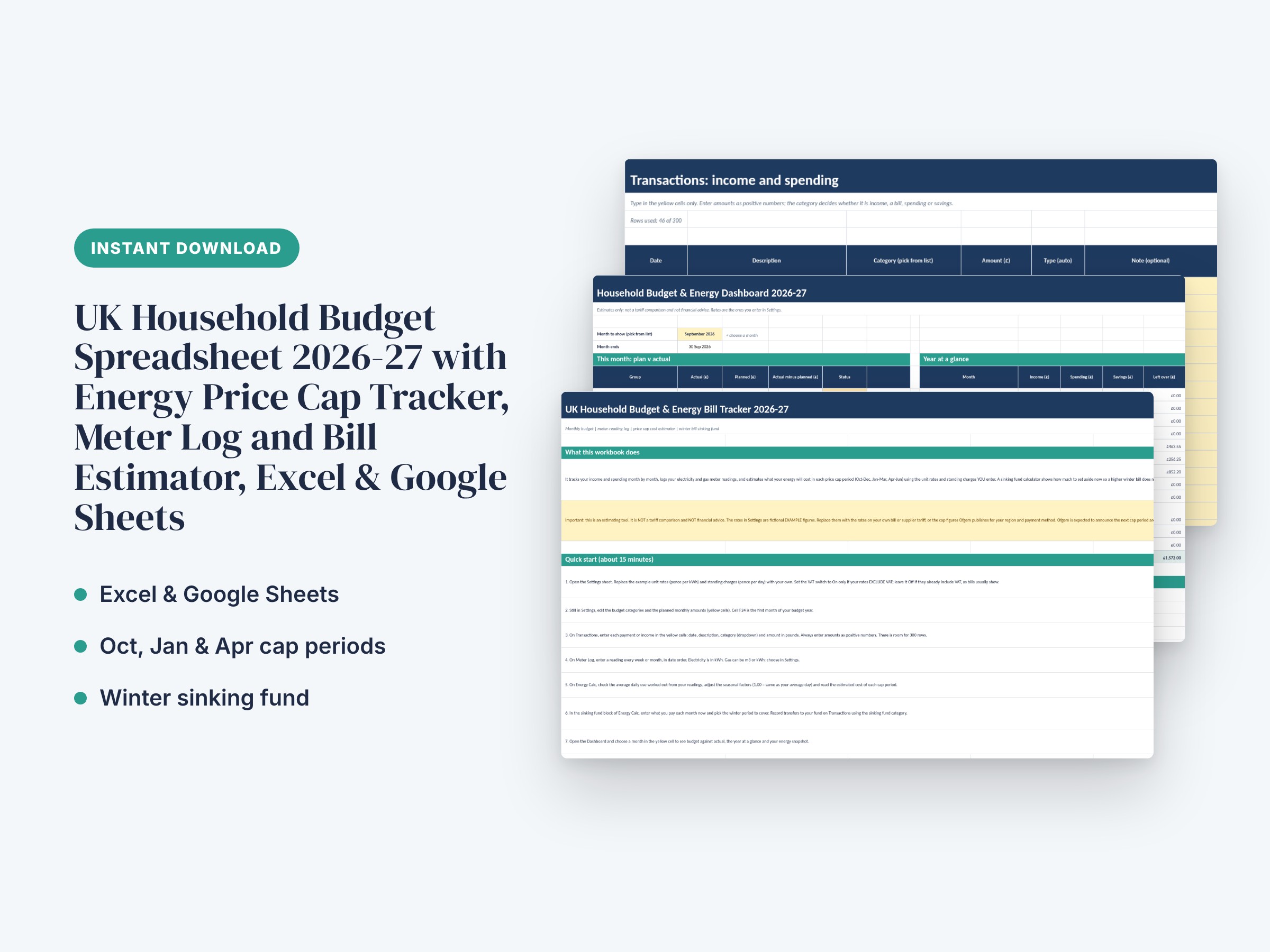

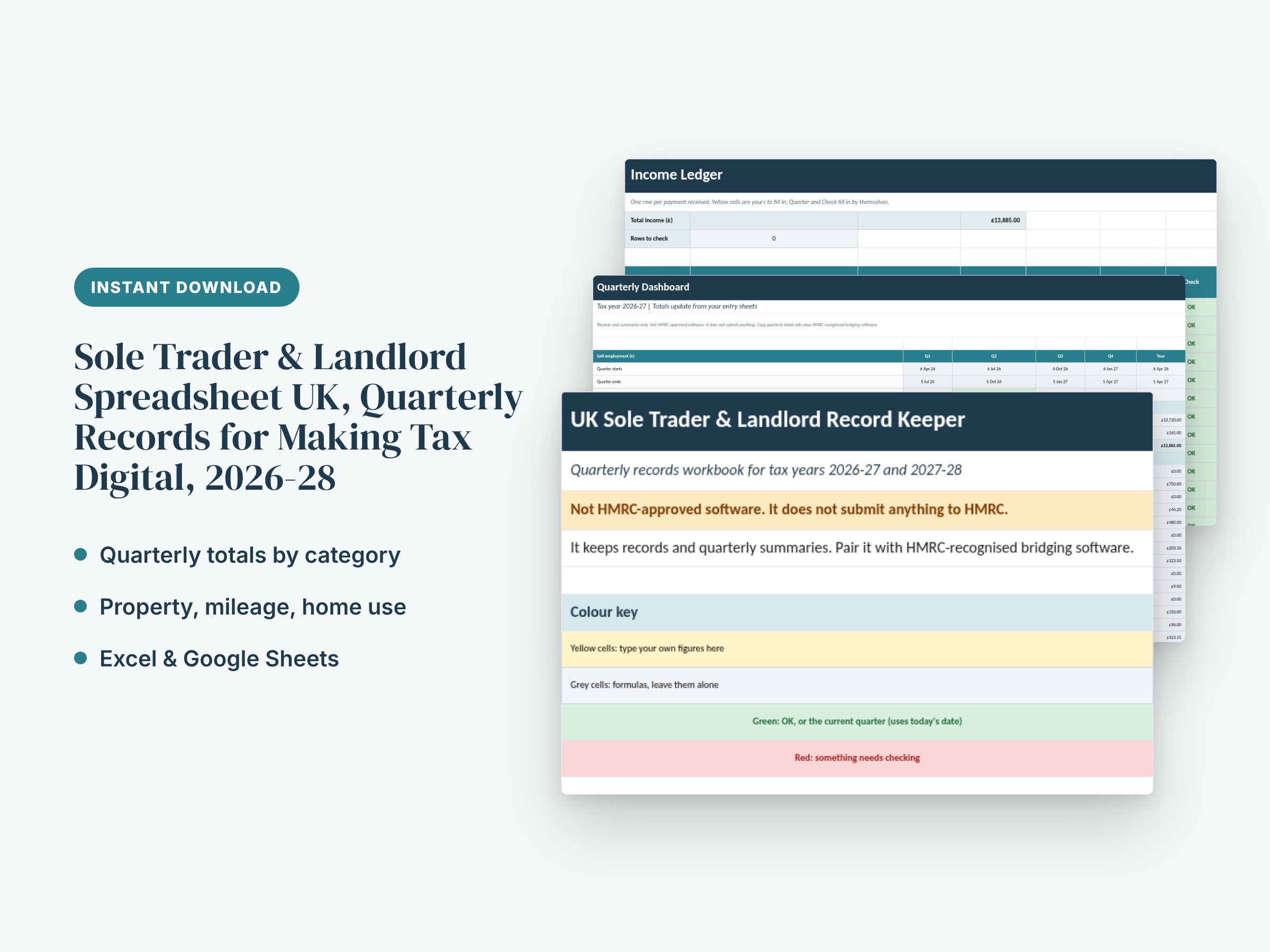
Sole Trader & Landlord Spreadsheet UK, Quarterly Records for Making Tax Digital, 2026-28
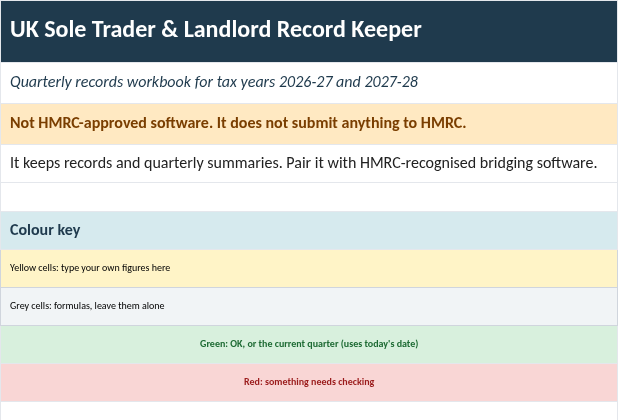
Not HMRC-approved software: this workbook does not submit anything to HMRC. It keeps your records and works out quarterly and year totals, so you can copy them into HMRC-recognised bridging software.
This is a working Excel and Google Sheets record keeper for UK sole traders and small landlords. You type in income, expenses, rent received, property costs, business miles and hours worked at home. The Dashboard then totals everything by quarter and by category, and builds a Self Assessment year summary. It is built for tax years 2026-27 and 2027-28. Making Tax Digital for Income Tax is being phased in from April 2026, so check on gov.uk whether and when it applies to you. 31 January is the usual online Self Assessment deadline for the previous tax year.
What it is and is not: it keeps records and quarterly summaries. It is not tax advice and it does not calculate your tax. The tax set-aside figure is a savings guide only, at a percentage you choose. The categories are HMRC-style groupings, so match them to the headings in your own bridging software.
What's included:
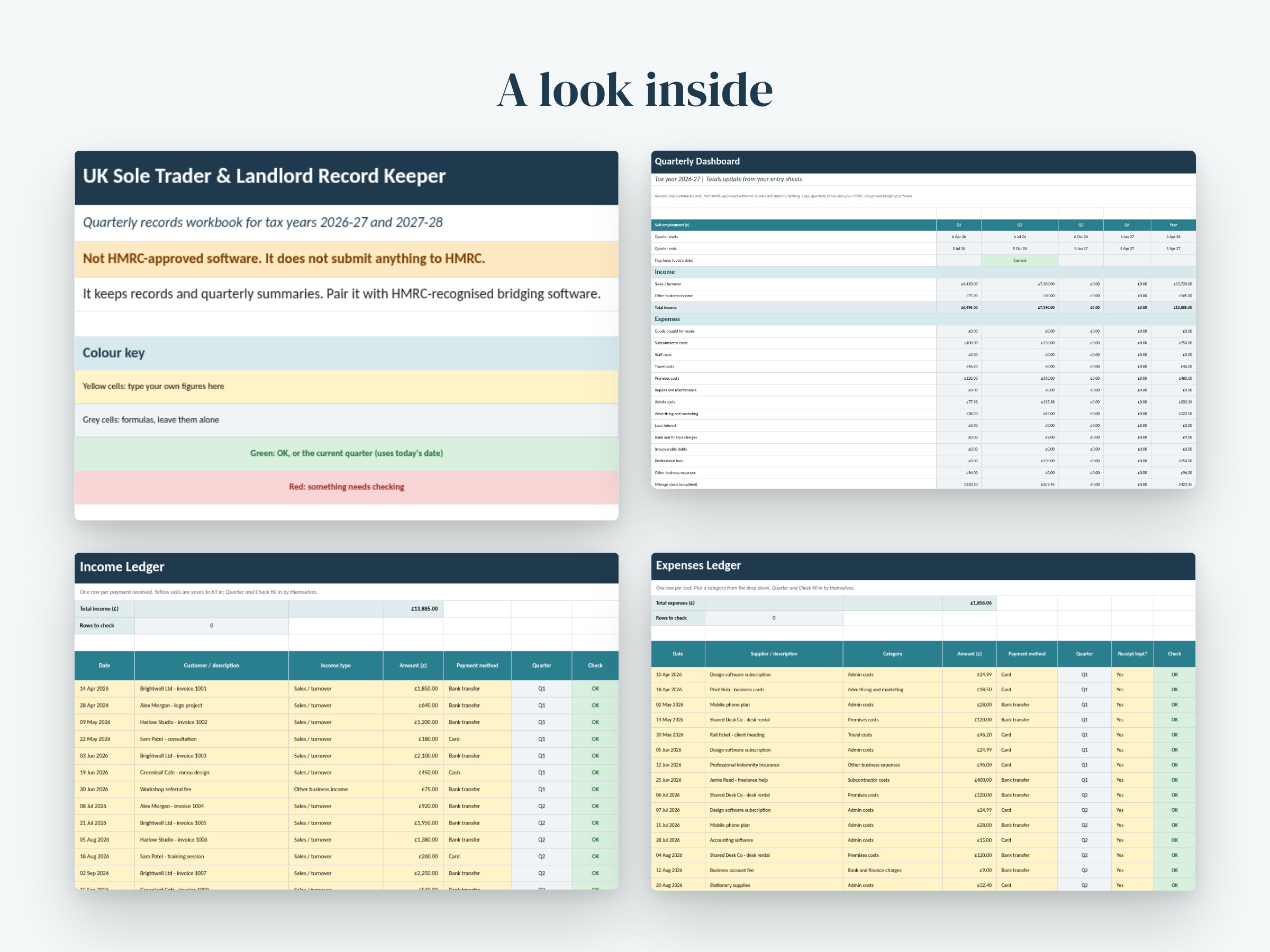
- 1 Excel workbook (.xlsx) with 7 sheets: Start Here, Dashboard, Income, Expenses, Property, Mileage and Home, Settings
- Income sheet: 150 rows with type and payment drop-downs, automatic quarter and a Check column for missing details
- Expenses sheet: 200 rows with 13 HMRC-style category drop-downs, receipt flag, automatic quarter and Check column
- Property sheet: 60 rows for up to 5 properties, 8 property income and expense categories, automatic quarter
- Mileage log: 120 rows with the 10,000-mile threshold applied automatically (higher rate, then lower rate) for car or van, plus motorcycle and bicycle rates
- Use of home: 12 months, with the flat-rate amount picked from hours worked at home
- Dashboard: Q1 to Q4 plus year totals for turnover, other income, every expense category, mileage and use of home, net profit, property totals, a by-property table, and a Self Assessment year summary with data bars and colour flags
- Settings: tax year, quarter dates, mileage and use-of-home rates (editable), property names and all drop-down lists
- Fictional sample data so you can see it working, and a clear guide to clearing it
Good to know before you buy:
- Changing the tax year in Settings updates the quarter dates but does not clear your data. Keep a fresh copy of the file for each tax year.
- The Current quarter flag uses today's date (the TODAY function), so it changes as time passes.
- Mileage and use-of-home rates are set from HMRC's published simplified expenses rates when the file was prepared. Check them against gov.uk before relying on them. They are editable in Settings.
- Enter mileage in date order so the 10,000-mile threshold is applied correctly.
- Opens in Excel 2016 or later. For Google Sheets use File > Import. Formatting may differ slightly. No macros.
- Download in a web browser, not the Etsy app.
How to use:
1. Download the .xlsx file in your browser and open it in Excel, or import it into Google Sheets (File > Import > Upload).
2. Save a copy named for the tax year, then open Settings and choose the tax year start.
3. Check the rates in Settings against gov.uk and add your property names.
4. Delete the sample rows in the yellow cells (the Start Here sheet shows how).
5. Add income, expenses, property entries, miles and home hours as you go. Fix anything marked Check.
6. Each quarter, open the Dashboard and copy the totals into your HMRC-recognised bridging software.
Designed with the help of AI tools and reviewed for quality. Digital download: no physical item will be shipped.
You might also like.