
Job Application Tracker Spreadsheet, Excel & Google Sheets, Interview Pipeline Dashboard, Graduate Job Search
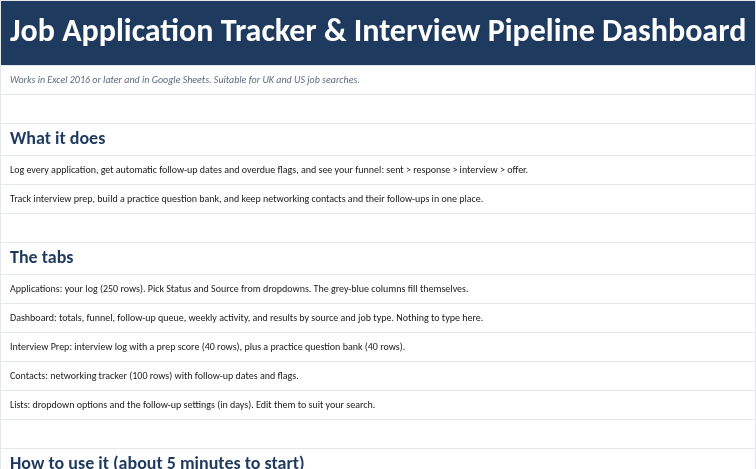
A working job search system for anyone applying for jobs: Christmas and seasonal temp work, graduate schemes, internships or full-time roles. It is one Excel workbook (.xlsx) that also imports into Google Sheets. You log each application, and the workbook works out follow-up dates, flags what is overdue, and shows your funnel from applications sent to responses, interviews and offers. It works for UK and US job searches. The salary column is per year and can be in any currency.
It is pre-filled with fictional examples (Christmas temp jobs and graduate schemes) so you can see every part working, and the Start Here tab shows exactly which cells to clear so you can start your own search.
What's included:
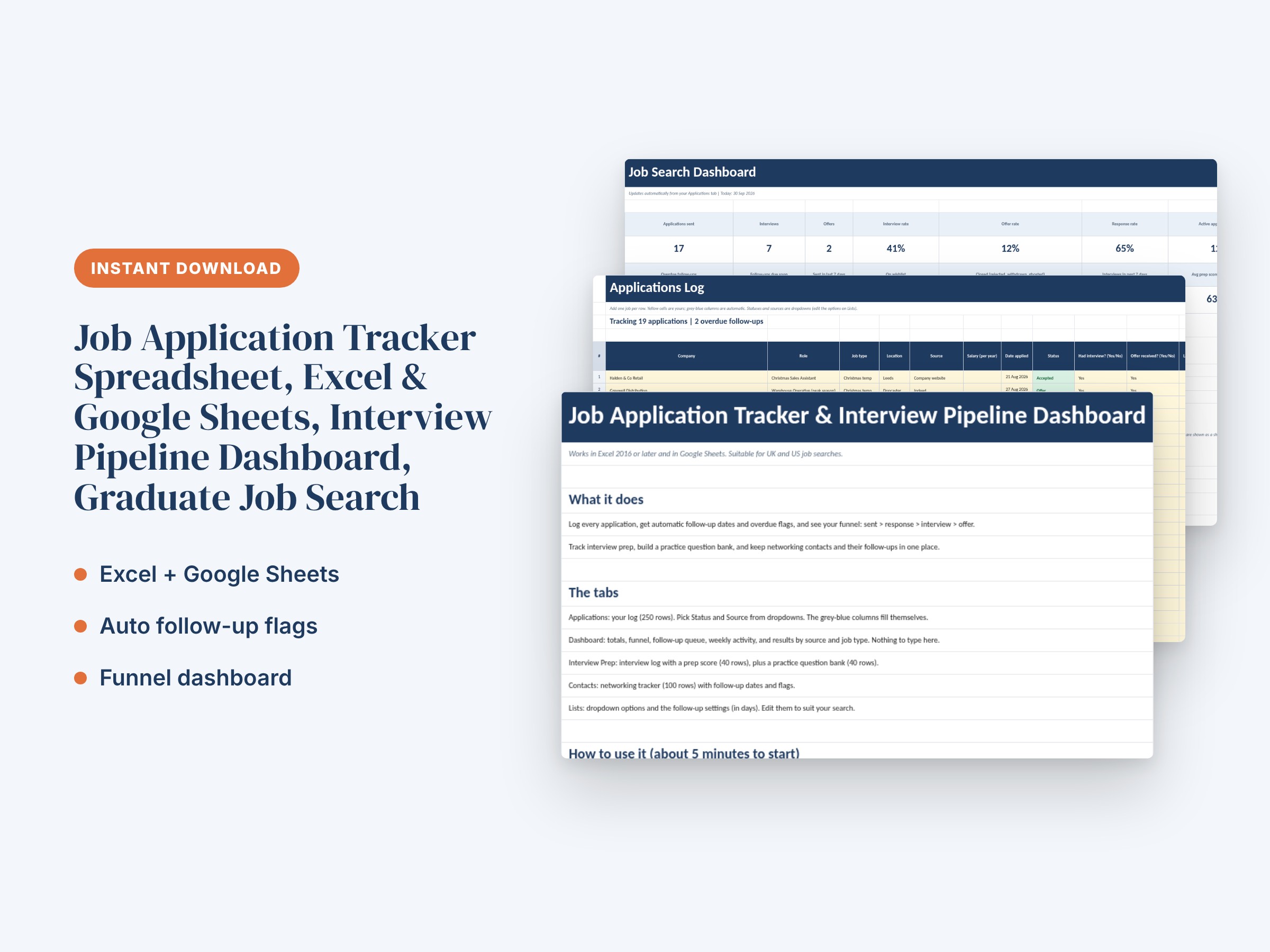
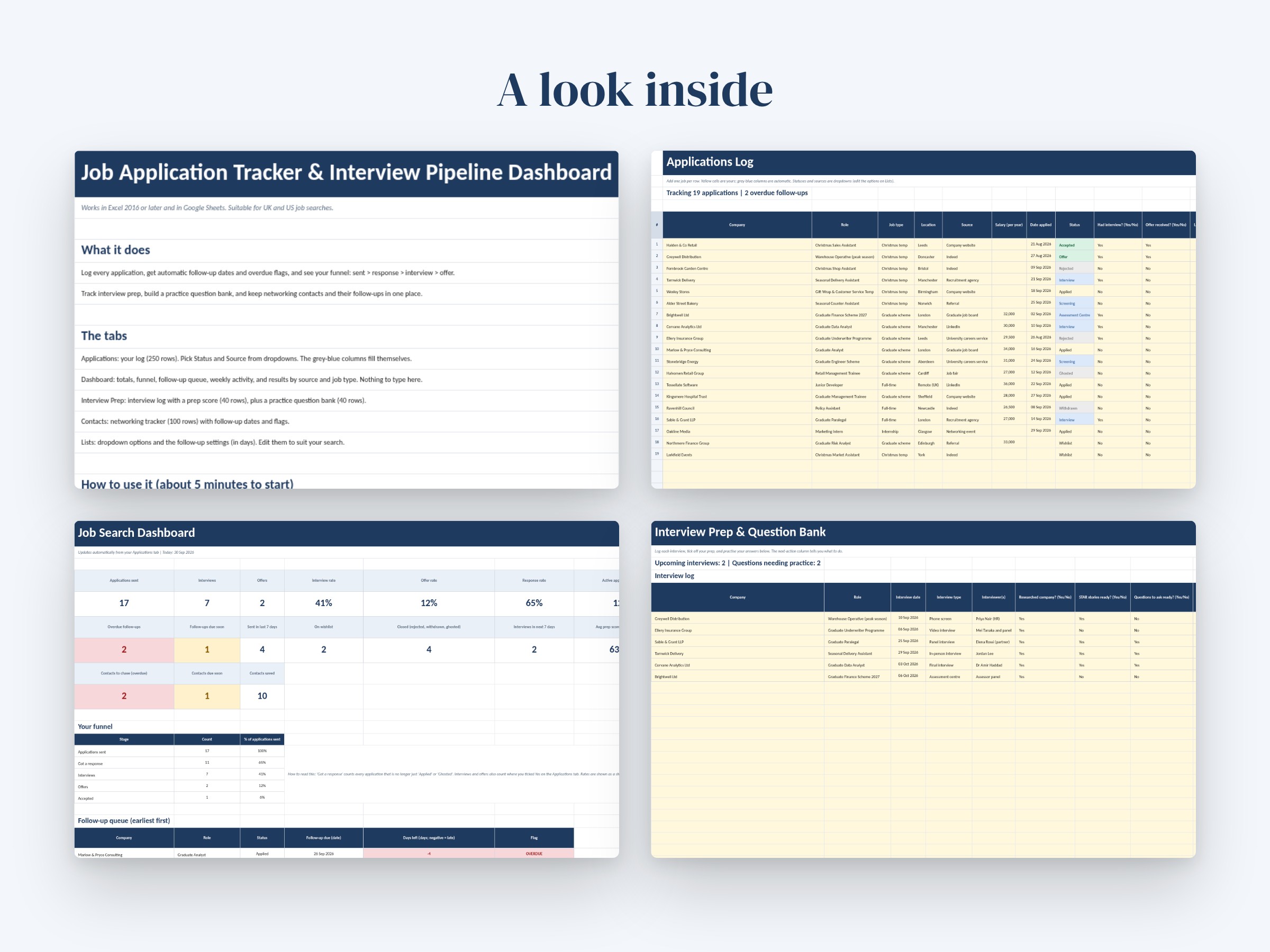
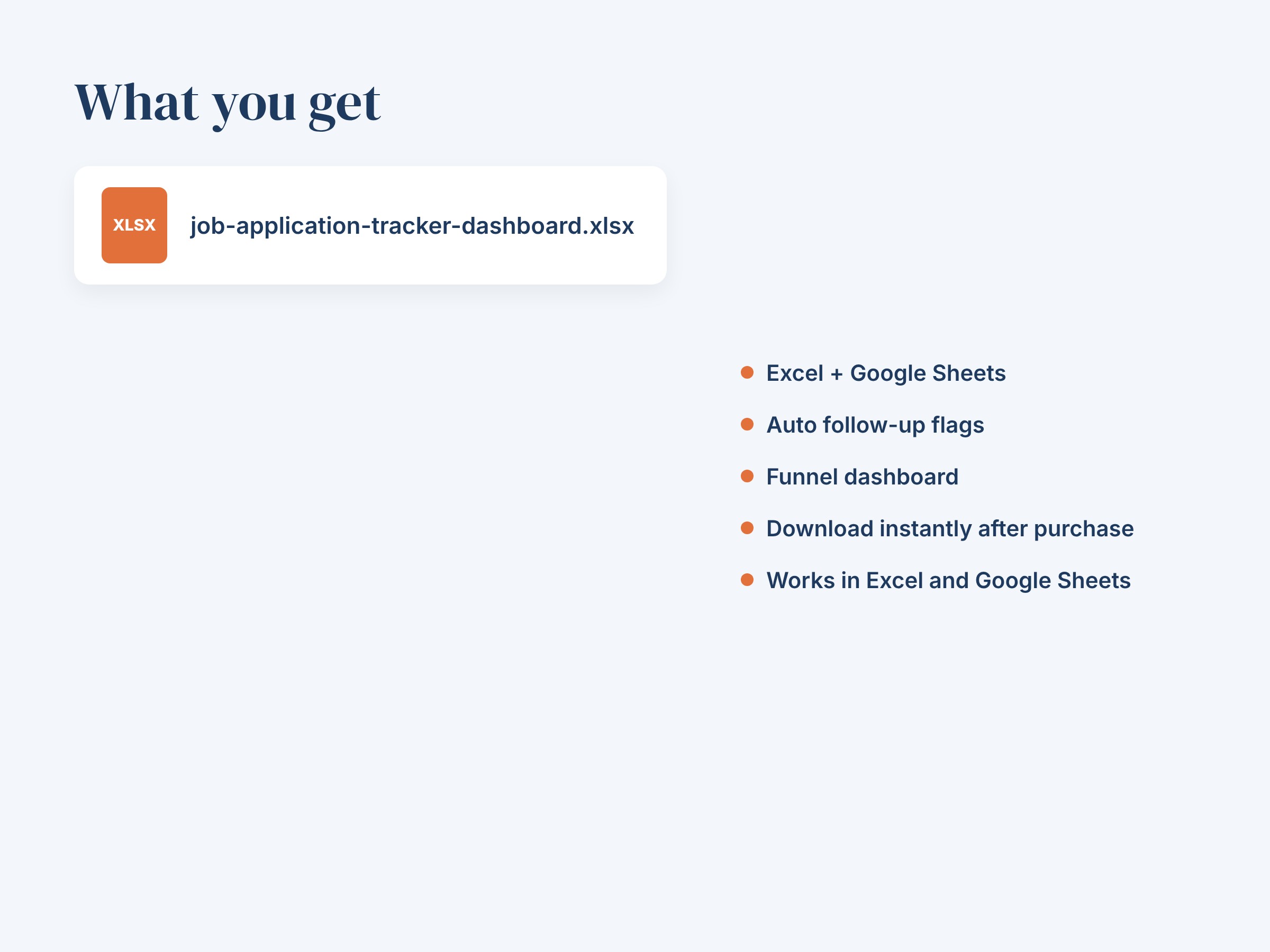
- 1 Excel workbook (.xlsx) with 6 tabs: Start Here, Applications, Dashboard, Interview Prep, Contacts, Lists
- Applications log: 250 rows with dropdowns for status, source, job type and Yes/No fields
- Automatic follow-up dates, days since applied and OVERDUE / Due soon / On track flags with colour coding
- Dashboard: total applications, interviews, offers, interview rate, offer rate and response rate, plus a funnel with data bars
- Dashboard follow-up queue showing your 8 earliest follow-ups, applications per week for the last 8 weeks, and a status breakdown
- Results by source (for example LinkedIn or a careers service) and by job type, with interview and offer rates
- Interview Prep: log for 40 interviews with a 4-point prep score, days to go, thank-you tracking and an automatic next-action prompt
- Question bank: 40 rows to rate your confidence (1-5), count practice sessions and outline STAR answers
- Contacts tab: 100 rows for recruiters, alumni and networking contacts with follow-up dates and flags
- Lists tab: editable dropdown options and follow-up settings in days
- Start Here tab with step-by-step instructions, how to open the file in Google Sheets and how to clear the sample data
- No macros, no add-ins, no subscriptions
How to use:
1. Download the file in a web browser (not a shopping app) and open it in Excel 2016 or later.
2. Or open Google Sheets, choose File > Import > Upload, drag the file in and choose Replace spreadsheet.
3. Read the Start Here tab, then clear the sample rows as described there.
4. Add each application on the Applications tab. Pick a status and source from the dropdowns and enter the date applied.
5. Update the status and the last contact date as things happen. The follow-up dates and flags update themselves.
6. Check the Dashboard to see who to chase, how many interviews you are getting and which sources work best.
This is a personal organising tool. It does not apply for jobs or contact employers on your behalf. Dates use TODAY(), so flags stay current each time you open the file. Yellow cells are for your typing; grey-blue columns are automatic formulas.
Designed with the help of AI tools and reviewed for quality. Digital download: no physical item will be shipped.
You might also like.