
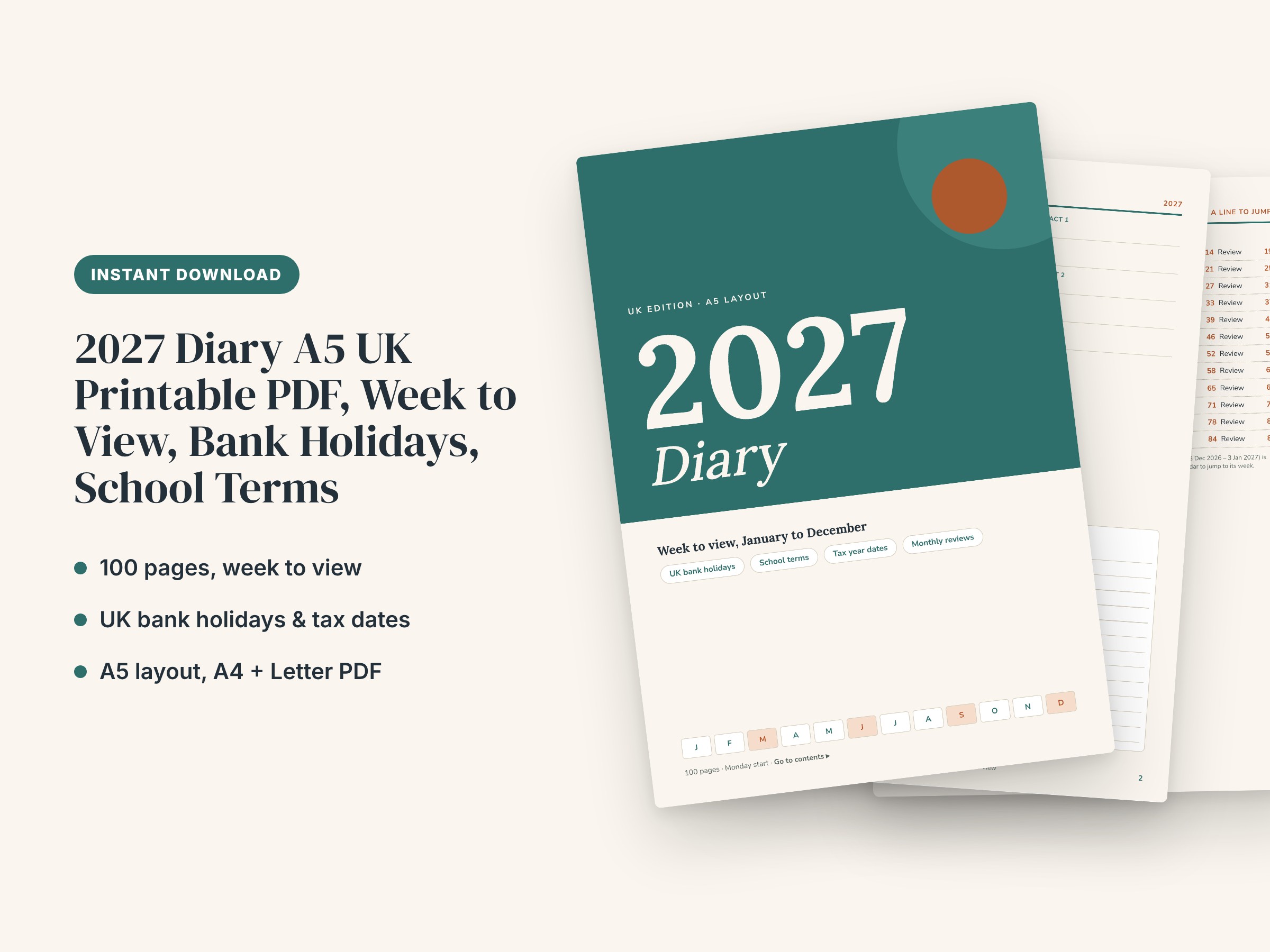
2027 Diary A5 UK Printable PDF, Week to View, Bank Holidays, School Terms
A 100-page 2027 diary built around the UK year. It has a clear week-to-view layout (one page for every week, Monday start), UK bank holidays for England and Wales, Scotland and Northern Ireland marked on every page they fall on, a fill-in school term and holiday planner, and a tax year section with the main 2027 HMRC dates. It is made for people who want one diary for home, work and family, including parents, self-employed people and anyone who plans around UK dates.
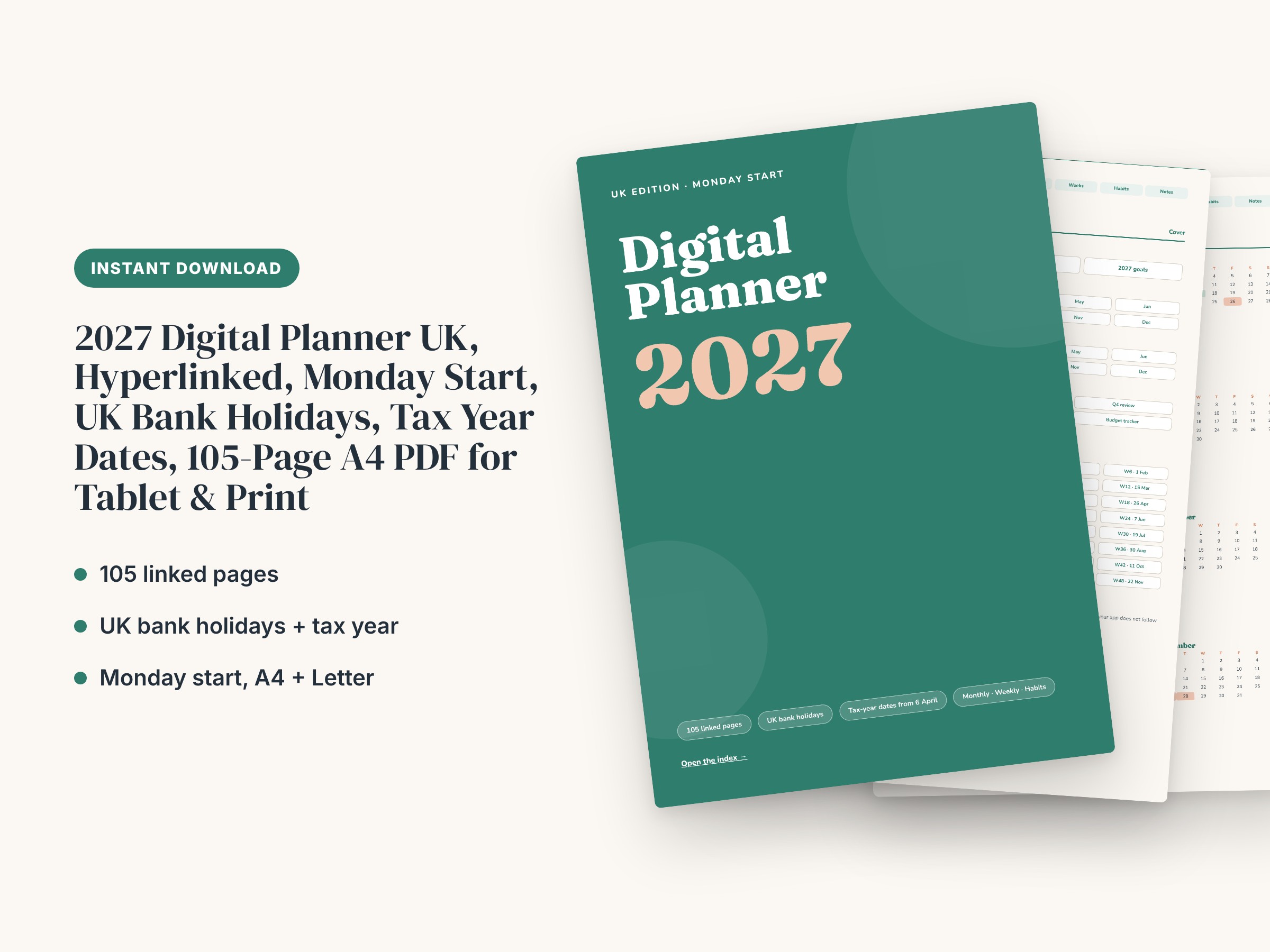
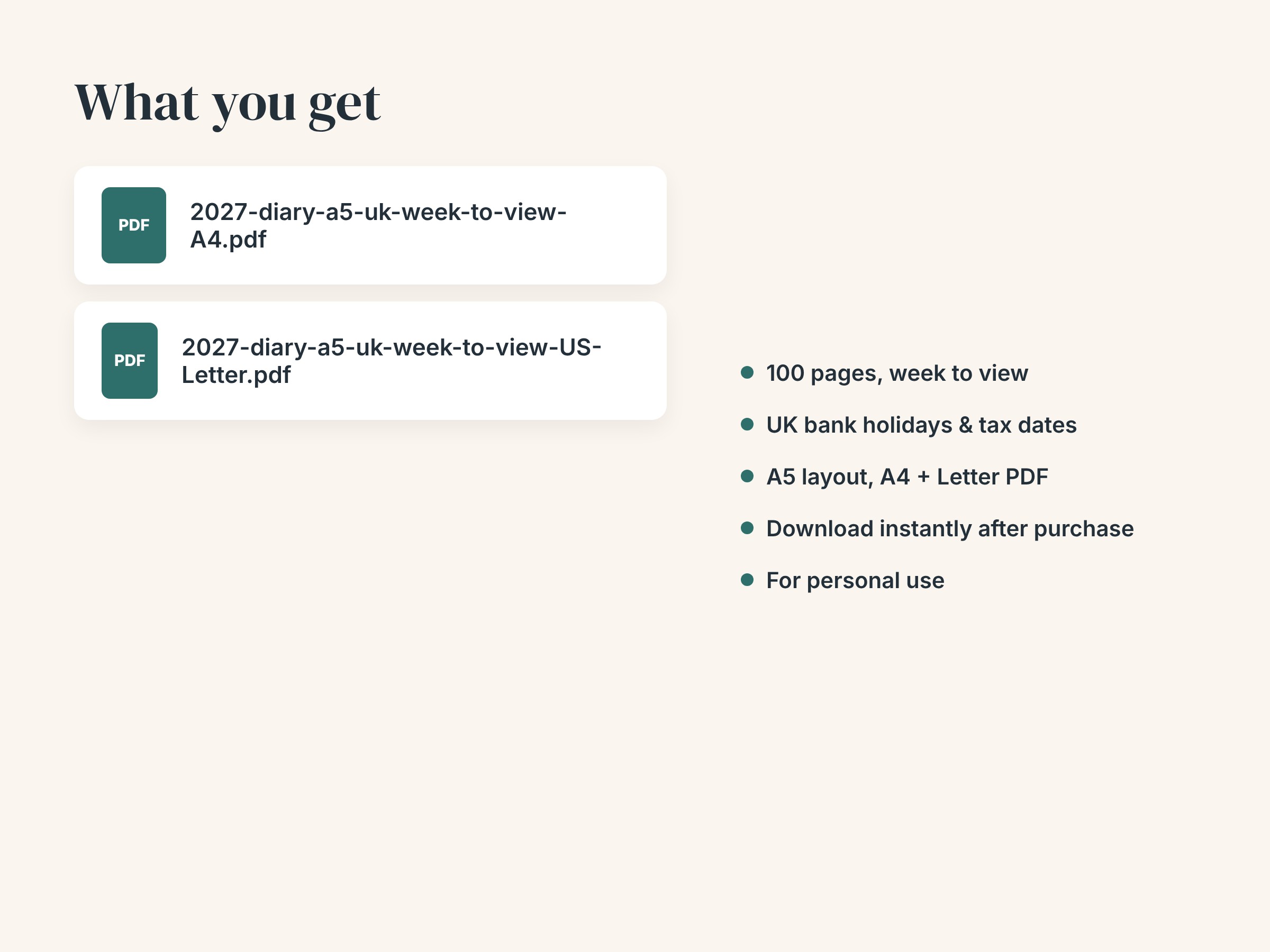
The pages are supplied as PDFs in A4 and US Letter sizes. Every page keeps the A5 proportions (A5 is exactly half an A4 sheet). For an A5-size diary, choose 'pages per sheet: 2' in your print dialog. You can also print full size. The PDF is a fixed layout: it is not editable. The contents page and the date numbers on the monthly calendars are internal links. They jump between sections in PDF viewers and annotation apps that support internal PDF links. They are for on-screen use, so check that your own app supports them before you buy.
What's included:
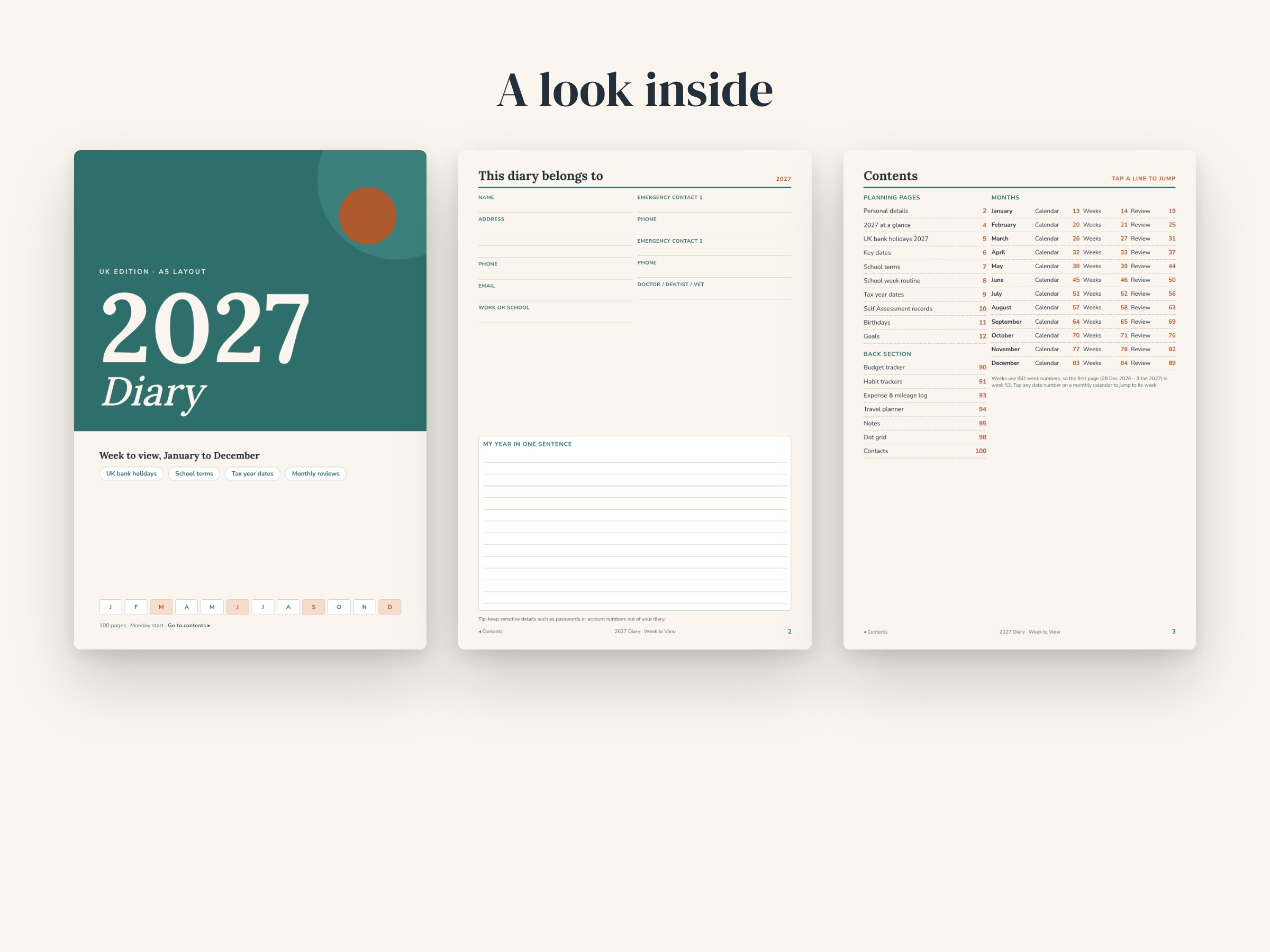
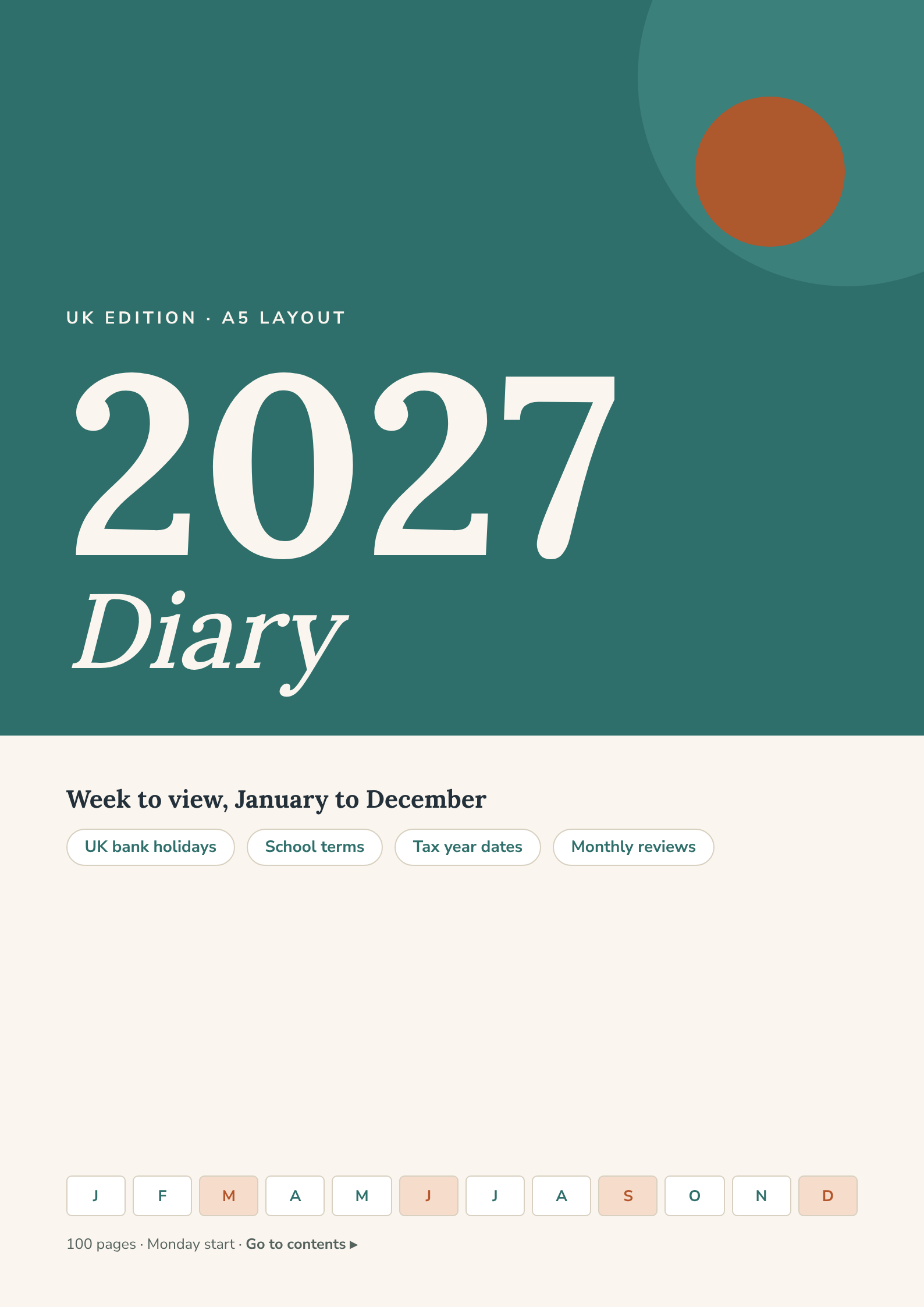
- 100 pages in total, with a designed cover, a contents page with page numbers, and a footer link back to the contents on every inside page
- 53 week-to-view pages, from Monday 28 December 2026 to Sunday 2 January 2028, so the first and last weeks of the year are complete. Each page has seven day boxes with writing lines, a priorities and to-do box, and a seven-day habit check
- 12 monthly calendar pages, Monday start, with a priorities box and a notes box. Date numbers link to that week's page
- 12 month review pages with a plan-versus-actual money table, wins, challenges and a focus for next month
- UK bank holidays 2027 on a table with columns for England and Wales, Scotland and Northern Ireland, plus substitute days for Christmas and Boxing Day, a leave planner, and bank holidays shaded on every calendar and week page
- Key dates page: Burns Night, Shrove Tuesday, Mothering Sunday, Easter, Father's Day, clocks changing, Remembrance Day and more, with space for your own dates
- School term planner with fill-in boxes for term dates, half-terms and INSET days, a 12-month holiday cover planner for up to three children, and a weekly school routine grid. School dates differ between schools, local authorities and nations, so no term dates are pre-filled
- Tax year dates: key 2027 dates for the 2026/27 and 2027/28 tax years, including Self Assessment on 31 January, Making Tax Digital quarterly update dates, the 5 April year end and 31 July payment date. Dates also appear on the week and month pages. A Self Assessment records page has a 12-month money in and out log and a checklist to complete before 5 April
- Year-at-a-glance 2027 with 12 mini calendars, birthdays and anniversaries page, 2027 goals page, personal details page
- Back section: annual budget tracker, 2 habit trackers (31-day grid), expense and mileage log, travel planner, 3 lined note pages, 2 dot-grid pages, contacts page
Good to know:
- Bank holiday dates follow the 2027 dates published on GOV.UK at the time of writing. The government can announce extra days, so check GOV.UK for changes.
- The tax pages are a planning aid, not financial or tax advice. Always check dates and rules on GOV.UK. Making Tax Digital for Income Tax needs compatible software, and bridging software if you keep records in spreadsheets. Changes to tax rates announced for April 2027 are subject to legislation.
- Digital file only. Nothing is posted. Printer, paper and binding are not included.
How to use:
1. Download the PDF in the size you need (A4 or US Letter) after purchase.
2. To print an A5-size diary, open the PDF, choose Print, set 'pages per sheet' to 2 (landscape on A4), and print at 100% on A4 or Letter paper. To print full size, choose 'actual size'. Then punch holes, staple or use a disc-bound or ring binder.
3. To use it on a tablet, import the PDF into a PDF annotation app and write on it with a stylus. Use the contents page and date links to jump around.
4. Start with the personal details, the school term and tax pages, and your birthdays. Then plan each month from its calendar page and each week from its week page. At the end of the month, fill in its review page.
Designed with the help of AI tools and reviewed for quality. Digital download: no physical item will be shipped.
You might also like.