

How to Choose a 2027 Planner in the UK: Paper, Digital and Festive
If you are reading this in late autumn, you are right on time. Many people start thinking about next year's planning during the last weeks of the year, when the diary shop shelves are full and the calendar on the kitchen wall is still showing this year's dates. Choosing a planner for 2027 does not need to be complicated. This guide walks through the decisions that matter most, with practical steps you can use whatever format you pick.
Start with how you actually plan
Before you compare layouts or page counts, look at how you have managed time over the past year. A planner only helps if you open it, so the best choice is usually the one that fits your existing habits rather than the one that promises a new routine.
- Write down where you check the time most often: on your phone, at a desk, or on the go.
- List the three things you lose track of most, such as appointments, bills, school events, or household tasks.
- Note whether you prefer to write by hand, type, or switch between the two.
- Decide how much space you need per day. Some people only want a line for appointments; others want room for notes and a task list.
Once you have these answers, the format usually becomes clear.
Paper or digital?
Neither format is better in every case. Each suits a different kind of day.
When a printed A5 diary works well
A5 is a comfortable size for a bag or a desk. It gives you enough room to write a full day's plan without the page feeling crowded. Paper suits people who like to see the whole week at once, who think better with a pen in hand, or who want to avoid screens before bed. A printed diary also works without a charger or a login, which is useful during travel or in places with poor signal.
A practical tip: when you buy or print a paper diary, check that the week layout matches how you work. A week-on-two-pages layout gives more room for notes, while a day-per-page layout suits people with busy schedules.
When a hyperlinked digital planner suits you
Digital planners are useful if you like to jump between months, weeks and goals quickly. Hyperlinked versions include clickable tabs and index pages, so you can move around the file without scrolling for long periods. They are also easy to duplicate if you want to reuse a layout for a project or a term.
To get the most from a digital planner, keep your setup simple. Choose one app or viewing method you already know, create a single folder for your planner files, and save a clean master copy before you start writing in it. This prevents you from losing older entries when you copy pages around.
Plan around your daily routine
Some people need more than a calendar. They need a structure for each day that keeps the most important tasks in view. A daily planner with a short priority list, a time block section and a space for a quick review at the end of the day can make routines easier to follow.
If you find that long to-do lists feel overwhelming, try this method:
- Choose no more than three priorities each morning.
- Write them at the top of the page, not at the bottom of a long list.
- Break any larger task into a first step you could finish in ten minutes.
- At the end of the day, move anything unfinished to the next day with a short note about why.
Some people who manage attention differences find that short, visible plans and simple layouts help them stay on track. Every person is different, so treat any planning method as a trial. If a layout creates more clutter than clarity, change it. If you have specific support needs, a doctor, occupational therapist or other qualified professional can offer advice tailored to you.
Plan the festive season early
Christmas and other seasonal events often arrive faster than expected. A separate festive planner can help you keep track of the things that are easy to forget until the last minute.
Consider a simple timeline for the months before the holidays:
- Early in the year: Note dates for school holidays, bank holidays and any family events. Check the bank holiday dates for your nation, as England, Wales, Scotland and Northern Ireland do not always match.
- Mid-year: Start a list of people to remember and any traditions you want to keep or change.
- Autumn: Set a realistic budget, decide on travel plans and order items that take time to arrive.
- December: Keep one page for last-minute tasks, such as food shopping, post deadlines and visits.
A dedicated section for these dates keeps them separate from everyday appointments, so they do not get lost among routine entries.
Set up your 2027 year in one sitting
Once you have chosen your format, spend an hour setting it up. This small effort saves a lot of time later.
- Add fixed dates first: birthdays, anniversaries, school terms, work deadlines and regular appointments.
- Mark bank holidays for your region.
- Set a weekly review slot, such as Sunday evening, and put it in the planner.
- Write down two or three goals for the year and place them where you will see them often.
Make it stick
The most useful planner is the one you return to. Pick a fixed time each day to check it, even if only for a minute. Adjust the layout after the first month rather than abandoning it. Many people find that their needs change over time, and a planner that fits in January may need small changes by spring.
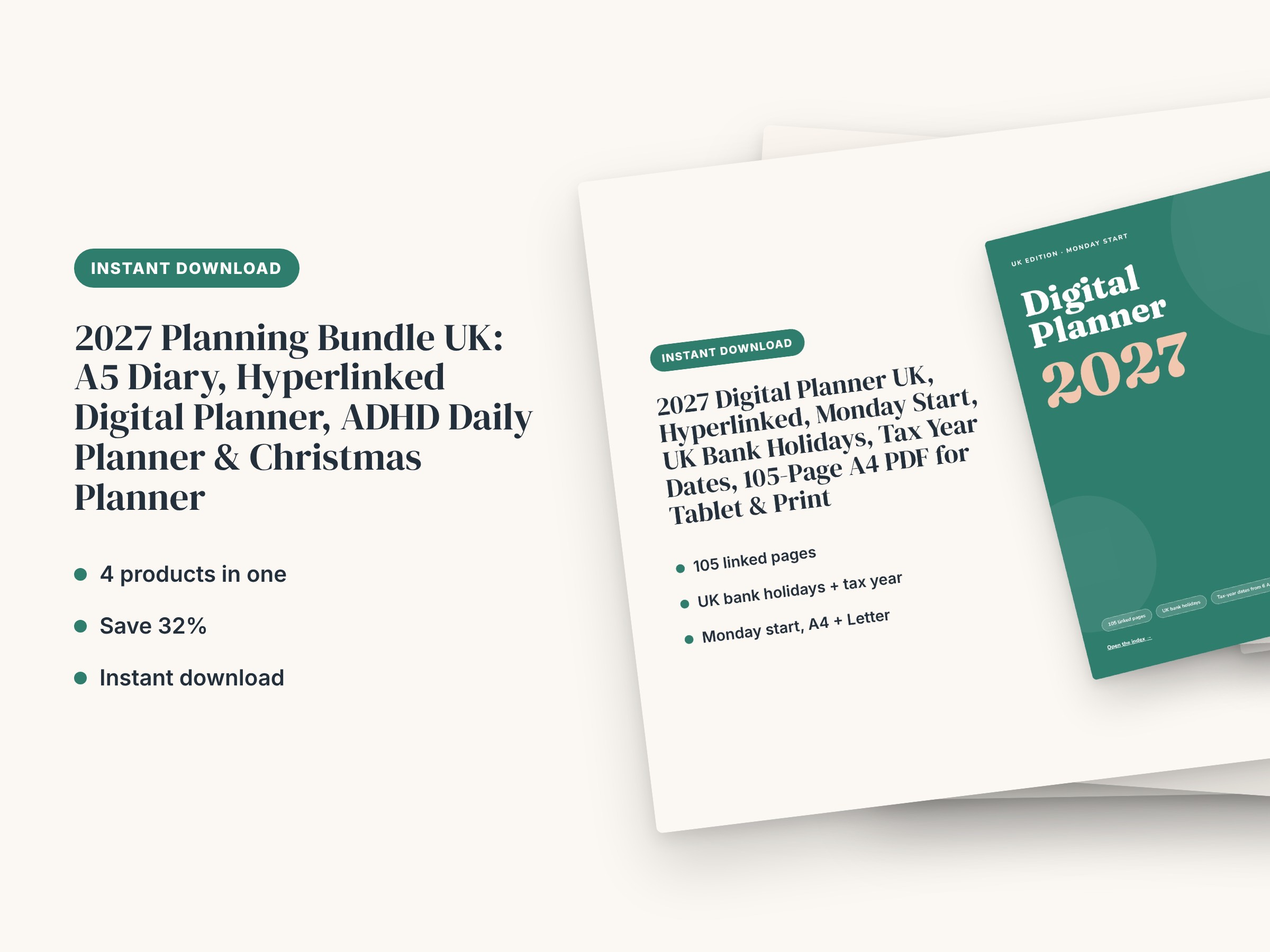
If you would like a ready-made starting point, the 2027 Planning Bundle UK includes an A5 diary, a hyperlinked digital planner, an ADHD daily planner and a Christmas planner. The bundle is priced 32% below buying the four products separately, so you can try both paper and digital formats without paying full price for each.
Ready to plan 2027?
Choose the format that matches your routine, set up your key dates now, and give yourself a few weeks to see what works. When you are ready, view the 2027 Planning Bundle UK and find the layouts that suit you best.
Save time: 2027 Planning Bundle UK: A5 Diary, Hyperlinked Digital Planner, ADHD Daily Planner & Christmas Planner is ready to download and use today.
Stay in the loop.
New templates and member-only offers, now and then. No spam. Unsubscribe in one click.